
Scale Your Training Programs
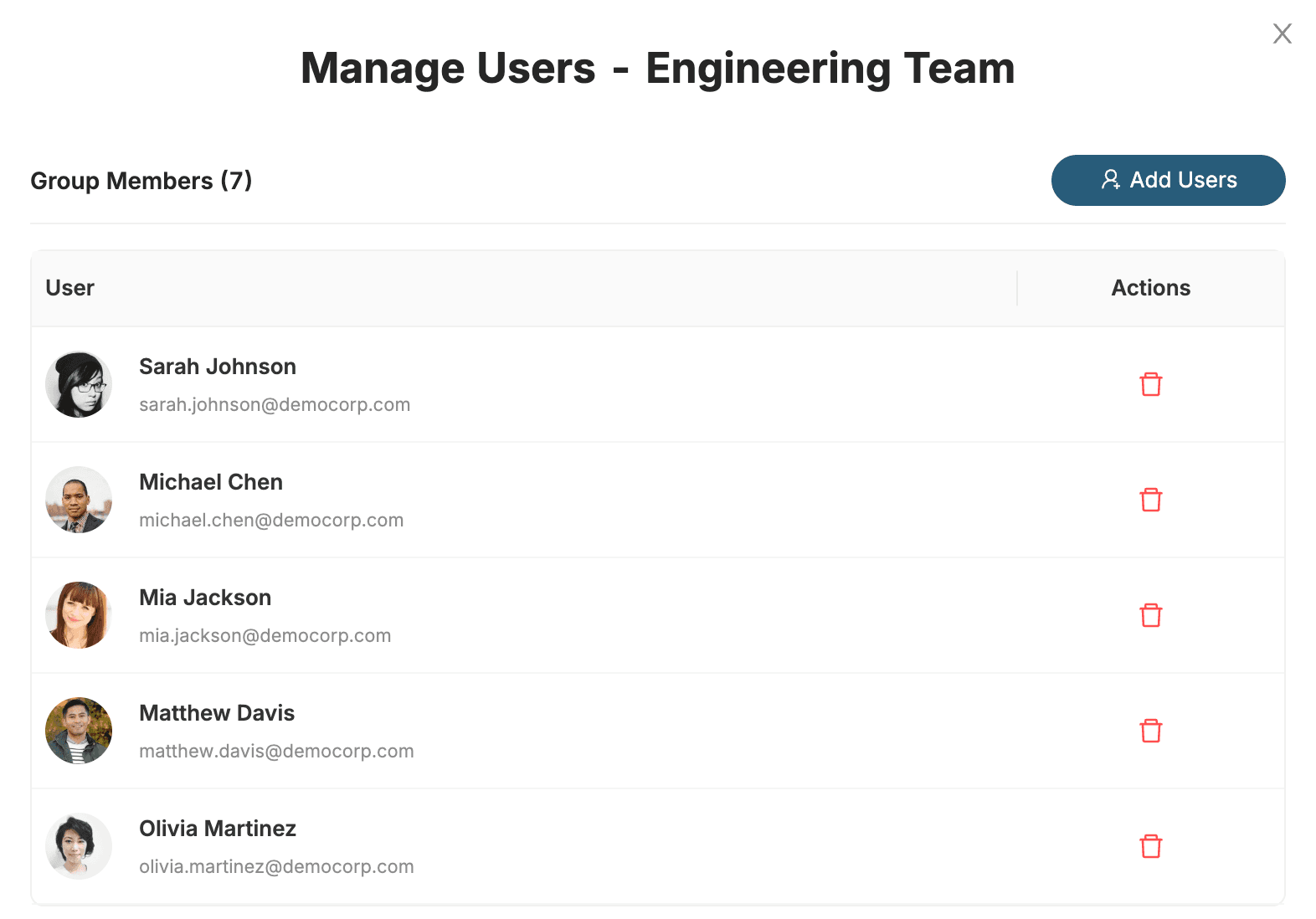
Manage hundreds or thousands of users efficiently with powerful group management features. Create teams, assign certifications in bulk, and track progress across your entire organization.
See It In Action
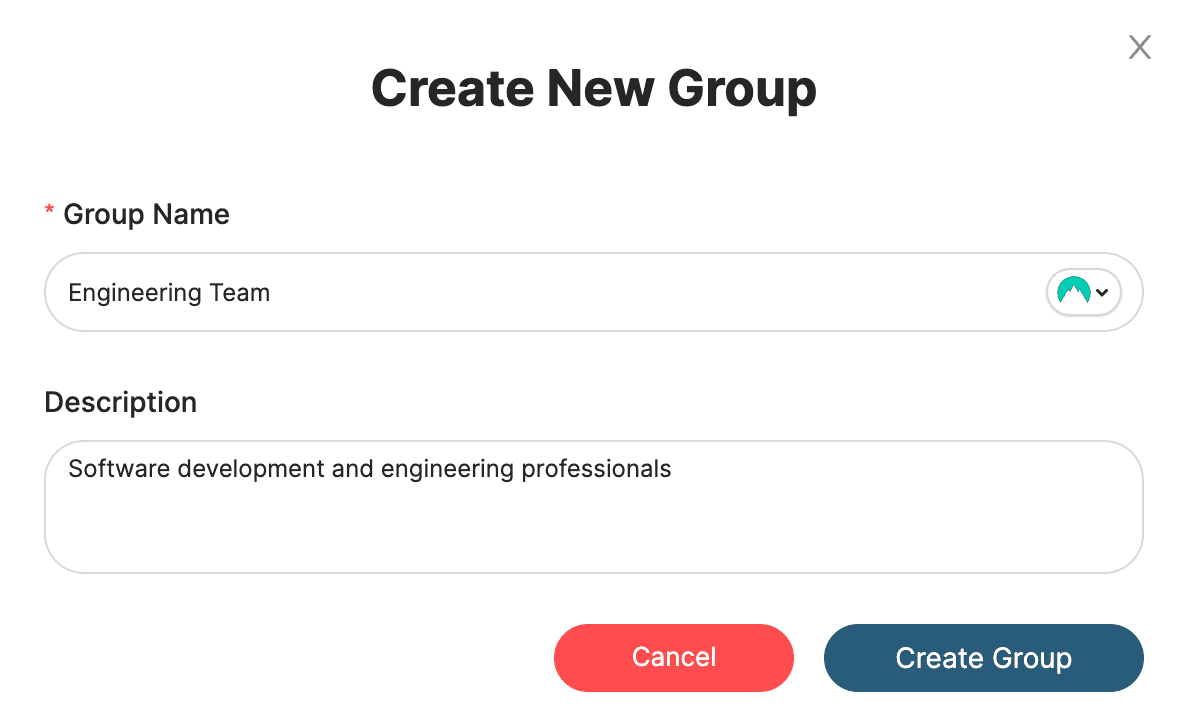
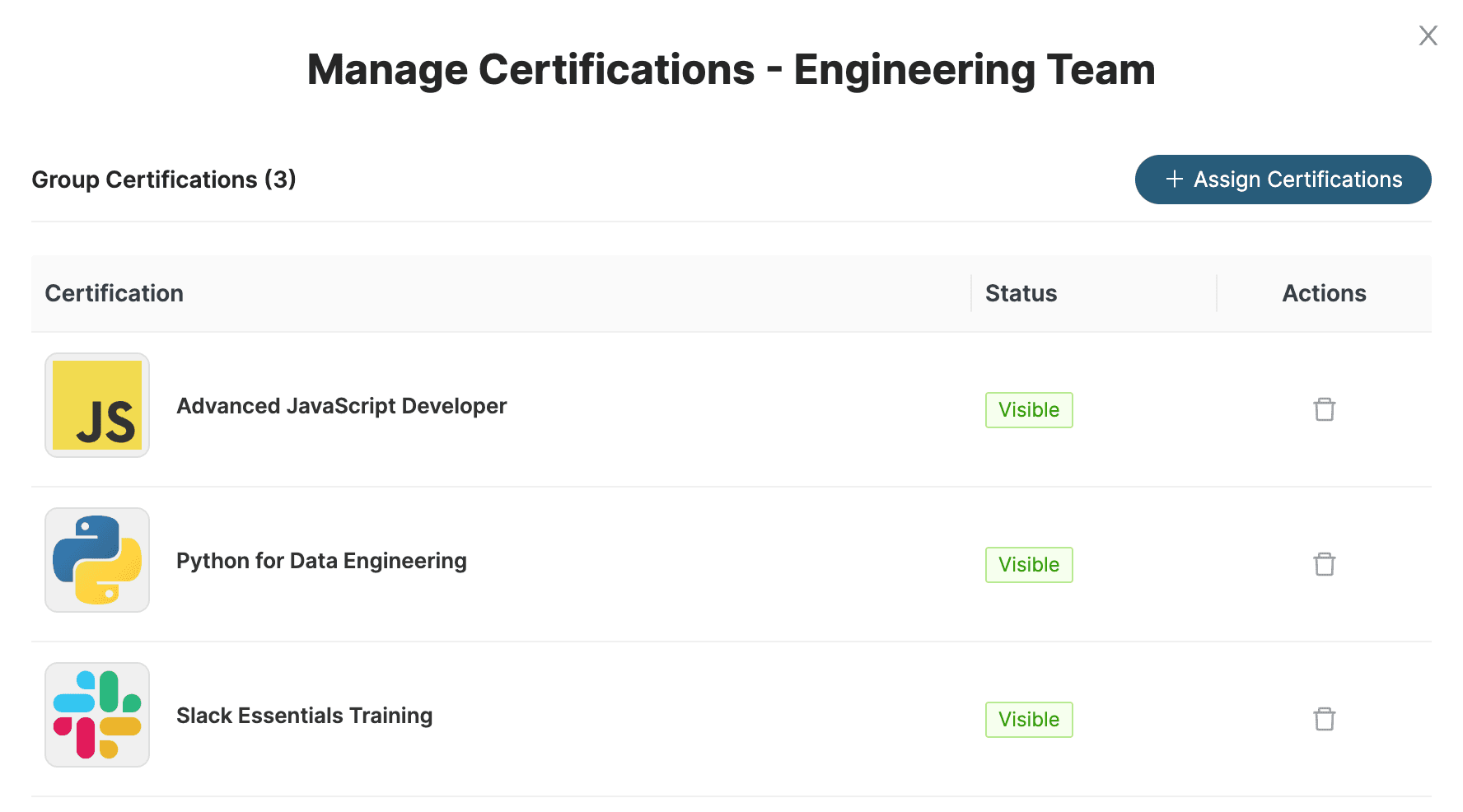
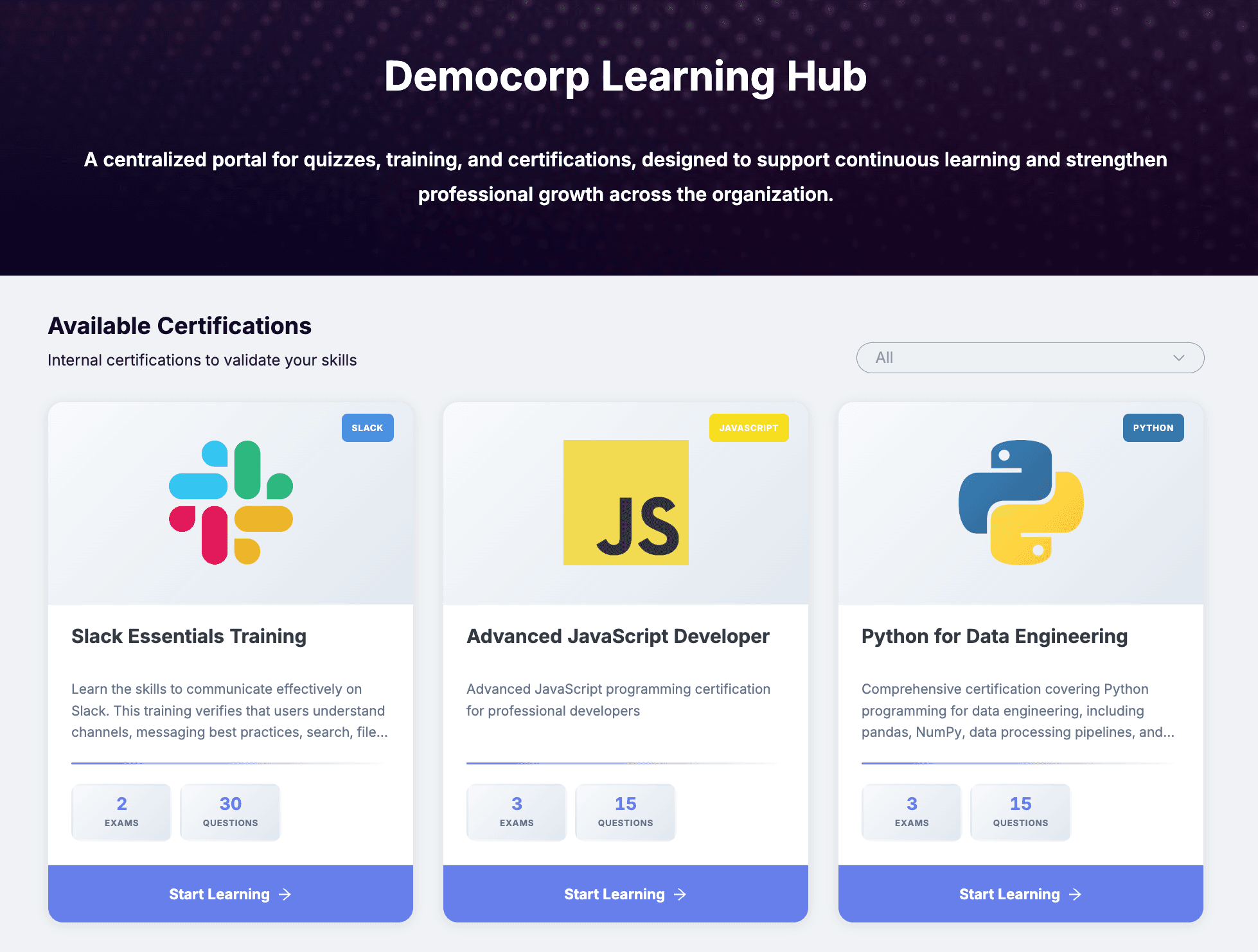
Watch how easy it is to create groups, assign certifications, and track progress. Our intuitive interface makes team management a breeze.
- One-click group creation
- Assign certifications to multiple users instantly
- Set group-level permissions and access controls
- Real-time progress updates
Real-World Applications
See how organizations use group management
Department Management
Organize employees by department and assign relevant certifications to each group
Role-Based Training
Create groups based on job roles and ensure everyone gets the right training
Project Teams
Form temporary groups for specific projects with custom access and deadlines
Simple Workflow
Get started in minutes, not hours
Create Groups
Set up groups based on departments, roles, or custom criteria
Assign Content
Assign certifications and training materials to groups
Monitor Progress
Track completion rates and performance across all groups
Generate Reports
Export detailed analytics and insights for stakeholders
Ready to Scale Your Training?
Start managing groups today and see the difference it makes
Get Started Free